
Why a Private, Deleted or Error TikTok Video Cannot Be Downloaded, and How to Fix Common Errors
 By SSS-TIK•
•
2 min read
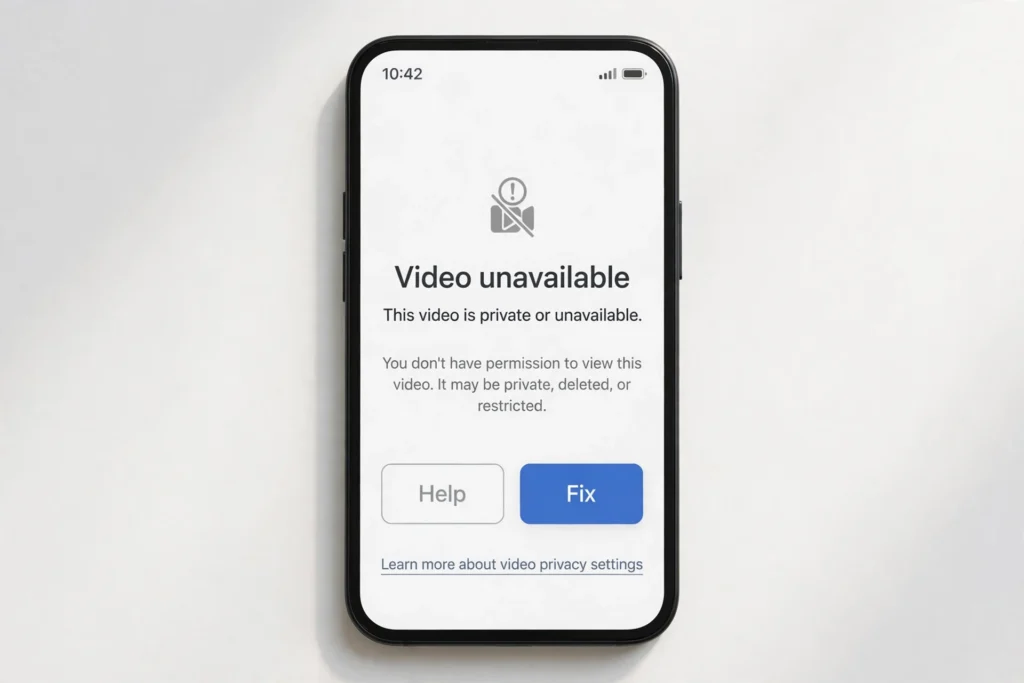
If a TikTok download fails, it is usually not a problem with your phone. This guide explains why a private, deleted or error TikTok video cannot be downloaded, and how to fix common errors with the free SSS TikTok Downloader.
Why Some Videos Cannot Be Downloaded
- Private video: Only the creator and approved viewers can see it. A downloader cannot access a private video, and you should not try to bypass that privacy setting.
- Deleted video: Once TikTok or the creator removes a video, there is no source file left to download.
- Restricted or region-limited video: Some videos are limited by age, region, or the creator’s settings.
- Removed audio: If the sound was removed for copyright reasons, the video or audio version may fail or play silently.
Steps to Fix Common Errors
- Open the original link in a browser and check the video still plays and is public.
- Copy the link again from Share, then Copy link, and paste it fresh into the SSS TikTok Downloader.
- Refresh the page, try once more, and check your internet connection.
- Try a different browser or device, and make sure you have storage space for the file.
- If the video plays but the download is blank, try the SD version instead of HD. See HD vs SD: Which TikTok Download Format Should You Choose.
FAQ
Can I download a private video if I have the link? No. A link alone does not give access to a private video. Ask the creator to make it public or to share it with you directly.
What if I get an error only for one video? That usually means that video is restricted or removed, while other public videos still work. Test another public video to confirm.
Related: How to Download a TikTok Video Without Watermark and How vm.tiktok.com and vt.tiktok.com Short Links Work for TikTok Downloads.

Content team at SSS-Tik. Sharing helpful guides, tips and updates for a better video experience.