
HD vs SD: Which TikTok Download Format Should You Choose
 By SSS-TIK•
•
2 min read
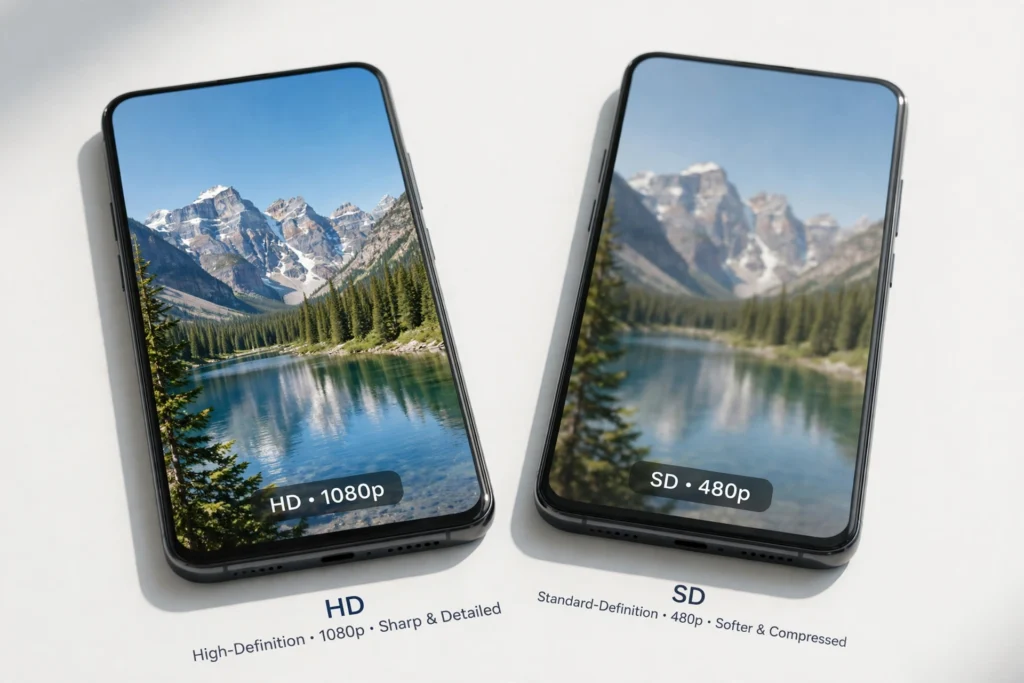
When you download a TikTok video, you may be offered HD and SD versions. This guide explains HD vs SD: which TikTok download format should you choose, using the free SSS TikTok Downloader.
What HD and SD Mean
HD (high definition) is sharper, with more detail, and is best for a large screen, editing, or rewatching. SD (standard definition) is smaller, uses less storage and less mobile data, and is usually fine for quick viewing on a phone.
Steps to Choose a Format
- Copy the TikTok video link from the Share menu.
- Open the SSS TikTok Downloader and paste the link.
- Start the download and compare the available formats and file sizes.
- Choose HD if you have space and want the best quality, or SD if you need a small file fast.
- Play the saved file once to confirm the quality and sound are right.
Which Format to Choose
Choose HD for editing, casting to a TV, or keeping a favorite video long term. Choose SD when storage is low, your connection is slow, or you only need a quick preview. Remember: a download cannot be sharper than the original upload. If the original was low quality, HD will not add detail.
FAQ
Does HD always look better? Only if the original was uploaded in high quality. Otherwise, HD and SD may look very similar, and SD will save space.
Does HD use more data? Yes. Download HD on Wi-Fi when you can, especially for long videos.
Related: How to Download a TikTok Video Without Watermark, How to Download TikTok Video Audio as MP3, and How to Save a Downloaded TikTok Video to iPhone Photos and Android Gallery.

Content team at SSS-Tik. Sharing helpful guides, tips and updates for a better video experience.