
How vm.tiktok.com and vt.tiktok.com Short Links Work for TikTok Downloads
 By SSS-TIK•
•
2 min read
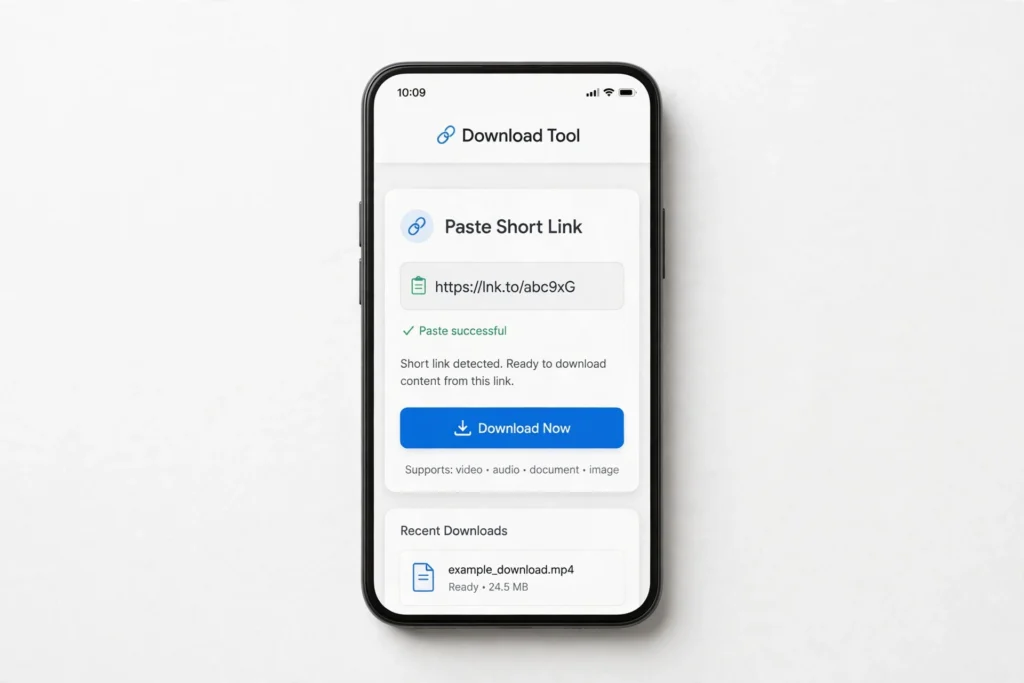
When someone shares a TikTok video in a message, you often get a short link like vm.tiktok.com or vt.tiktok.com instead of a long TikTok URL. This guide explains how those short links work for TikTok downloads and how to use them with the free SSS TikTok Downloader.
What vm.tiktok.com and vt.tiktok.com Links Are
These are TikTok’s own short links. They do not contain the video itself; they redirect your browser to the full TikTok video page. That is why a short link can look small and still open the same video, sound, and creator account as the long link.
Steps to Download from a Short Link
- Copy the short link from your message, email, or social post.
- Open the SSS TikTok Downloader and paste the short link into the download box, exactly as you copied it.
- Start the download. The tool follows the redirect to the full TikTok video.
- Choose the video, photo, or MP3 option you need, then save the file and check it plays or opens correctly.
Troubleshooting Short Links
If a short link does not work, first open it in a browser to check the video is still public and available. A link that opens a deleted or private video will not download. For other cases, see Why a Private, Deleted or Error TikTok Video Cannot Be Downloaded, and How to Fix Common Errors. Do not trust a short link that asks you to sign in, pay, or install an app before downloading; use only the official TikTok link and this site’s tool.
FAQ
Do I need to expand a short link first? No. You can paste a vm.tiktok.com or vt.tiktok.com link directly into the downloader in most cases.
Is a short link safe? A genuine TikTok short link is just a redirect. Be cautious with links from unknown senders, and never enter a password on a page a link sends you to.
Related: How to Download a TikTok Video Without Watermark, How to Download a TikTok Video Without Watermark on PC and Mac, and How to Download TikTok Video Audio as MP3.

Content team at SSS-Tik. Sharing helpful guides, tips and updates for a better video experience.