
How to Download a TikTok Duet or Stitch Video
 By SSS-TIK•
•
3 min read
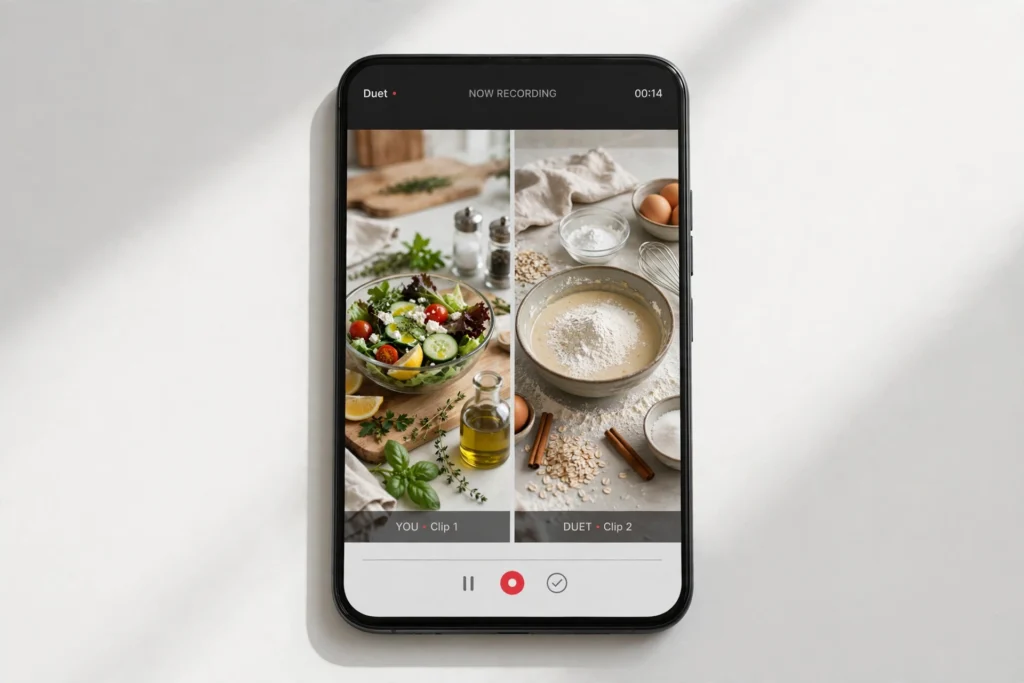
A Duet plays side by side with the original video, while a Stitch adds a short clip from another video before a new one. Both are popular because they let creators react, answer, or build on someone else’s work. Downloading them works like a normal video download, with one extra check: permission. This guide explains the steps, using SSS TikTok Downloader.
What Is the Difference Between Duet and Stitch?
Duet: Two videos play together, usually side by side, so the reaction and the original are visible at the same time. Stitch: A short part of the original video plays first, then the new creator’s video follows. In both cases, the finished video is a single file, so you download the combined video, not two separate files.
Steps: Download a Duet or Stitch Video
- Open the public Duet or Stitch video you want to keep, and confirm the creator allowed duets or stitches for the original clip.
- Tap Share on the finished Duet or Stitch video, then Copy link.
- Open SSS TikTok Downloader, paste the link, and download the TikTok Duet video or Stitch video.
- Play the file and check that both parts, the original segment and the new part, are present and in sync.
- Save it with a clear name that notes it is a Duet or Stitch, so you do not confuse it with the original alone.
Permission Matters More Here
A Duet or Stitch already includes someone else’s work, so reposting it needs care. If you made the Duet or Stitch yourself, you can usually keep it for personal use. If someone else made it, ask before you reuse it, credit both creators, and do not cut out the original creator’s part to claim the idea as your own. For editing ideas, see How to Edit a Downloaded TikTok Video and How to Download Your Own TikTok Video.
Safety Note
Only download public videos, and only reuse a Duet or Stitch if it is your own or you have permission from the creators involved. If a creator turned off duets or stitches, respect that setting.
FAQ
Can I download only the original part of a Duet? No, a Duet downloads as one combined video. To get the original alone, find and download the original post separately, if it is public.
Why can’t I download some Duet videos? The creator may have limited sharing, made the video private, or the original video may have been deleted.
Can I make my own Duet from a downloaded video? It is better to use TikTok’s own Duet feature, so the original creator is credited correctly.

Content team at SSS-Tik. Sharing helpful guides, tips and updates for a better video experience.