
How to Download TikTok Video Audio as MP3
 By SSS-TIK•
•
2 min read
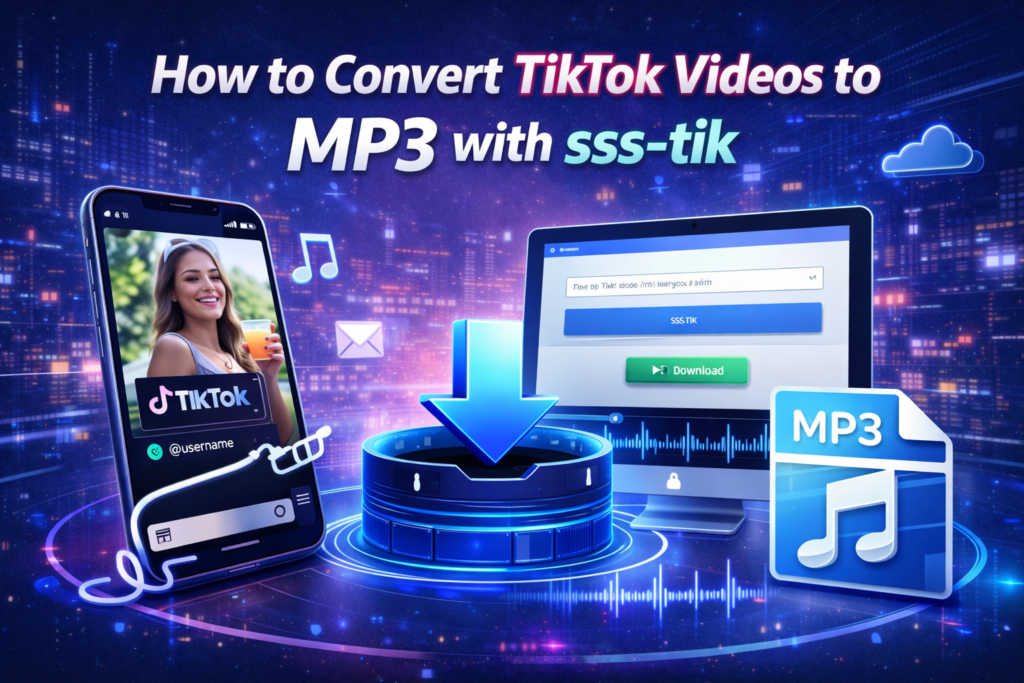
Want just the sound from a TikTok video? This guide shows how to download TikTok video audio as MP3 safely, using the free SSS TikTok Downloader tool. You can save a song, a voiceover, or a podcast-style clip for personal listening, without downloading the full video.
Important: Only download audio you have the right to use. Do not repost or sell someone else’s music or voice without permission. See our guide on Safe Use of TikTok Downloads: Creator Rights and What You Should Not Repost before sharing any audio.
Steps to Download TikTok Audio as MP3
- Open TikTok and find the video with the audio you want.
- Tap Share, then Copy link to copy the video URL.
- Open the SSS TikTok Downloader in your browser and paste the link into the download box.
- Start the download and choose the MP3 audio option when it appears.
- Save the MP3 file, then check that it plays from start to finish before you close the page.
Tips for a Clean MP3
If the audio sounds low or cut off, check the original video first: some clips use quiet background music, a short loop, or a sound that TikTok has muted. Try a different video, use headphones to check quality, and keep the original link until you have confirmed the MP3 works. For a full video instead, see How to Download a TikTok Video Without Watermark.
FAQ
Can I download any TikTok sound as MP3? No. Private videos, deleted videos, and videos with restricted audio may not be available. See Why a Private, Deleted or Error TikTok Video Cannot Be Downloaded, and How to Fix Common Errors.
Is the MP3 the same quality as the video? The MP3 is extracted from the video’s audio track, so it cannot be higher quality than the original upload. Choose a clear, well-recorded original for the best result.
Where is the MP3 saved? It goes to your browser’s download folder on a computer, or to your Files app on a phone. On a phone, you can then move it to your music or gallery app. See How to Save a Downloaded TikTok Video to iPhone Photos and Android Gallery.
Related: How to Download a TikTok Video Without Watermark on PC and Mac and HD vs SD: Which TikTok Download Format Should You Choose.

Content team at SSS-Tik. Sharing helpful guides, tips and updates for a better video experience.