
How to Watch Downloaded TikTok Videos Offline (Flight / No Internet)
 By SSS-TIK•
•
2 min read
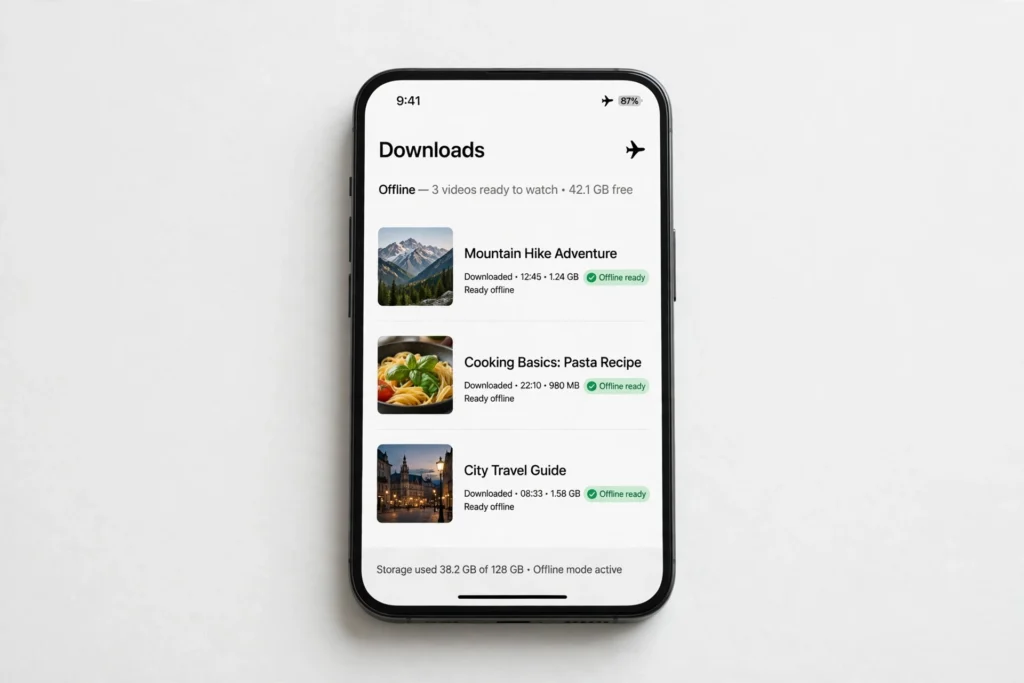
A flight, a train with no signal, or a rural road trip is the perfect time to catch up on saved videos, if you prepared before you left. Watching downloaded TikTok videos offline is simple, but it only works if the files are already on your device. This flight-focused guide shows how to prepare, using SSS TikTok Downloader before you go offline.
Steps: Watch Downloaded TikTok Videos Offline on a Flight
- Before you travel, download the videos you want. Copy each public TikTok video link, open SSS TikTok Downloader, paste the link, and save the file.
- Move the files into one offline folder, and name them clearly so you can find them without searching online.
- Test playback at home. Play each file in your phone’s video player, with Wi-Fi and mobile data turned off, to confirm it works offline.
- Charge your device, bring headphones, and switch on flight mode before takeoff. Your saved files do not need internet to play.
- Open the folder in flight mode, play the videos in order, and enjoy no internet viewing until you land.
Offline Tips
Download in advance, not at the airport, where Wi-Fi can be slow. Keep a backup copy in cloud storage in case your phone runs out of space, and check storage before a long trip. If you want a general offline routine, see How to Watch Downloaded TikTok Videos Offline (Step-by-Step) and How to Save Downloaded TikTok Videos to Google Drive / Cloud Storage.
Safety Note
Only download public videos, and only reuse a clip if it is your own or you have the creator’s permission. Offline viewing for personal use is very different from reposting someone else’s work.
FAQ
Can I watch TikTok offline without downloading first? No, TikTok needs internet to load new videos. Only files saved on your device play offline.
Do downloaded videos work in flight mode? Yes, if the file is stored locally and your video player does not need to stream it.
How many videos should I download for a flight? Download a few more than you think you need, and check that they all fit in your free storage.

Content team at SSS-Tik. Sharing helpful guides, tips and updates for a better video experience.