
How to Download a TikTok Video in HD 1080p Quality
 By SSS-TIK•
•
4 min read
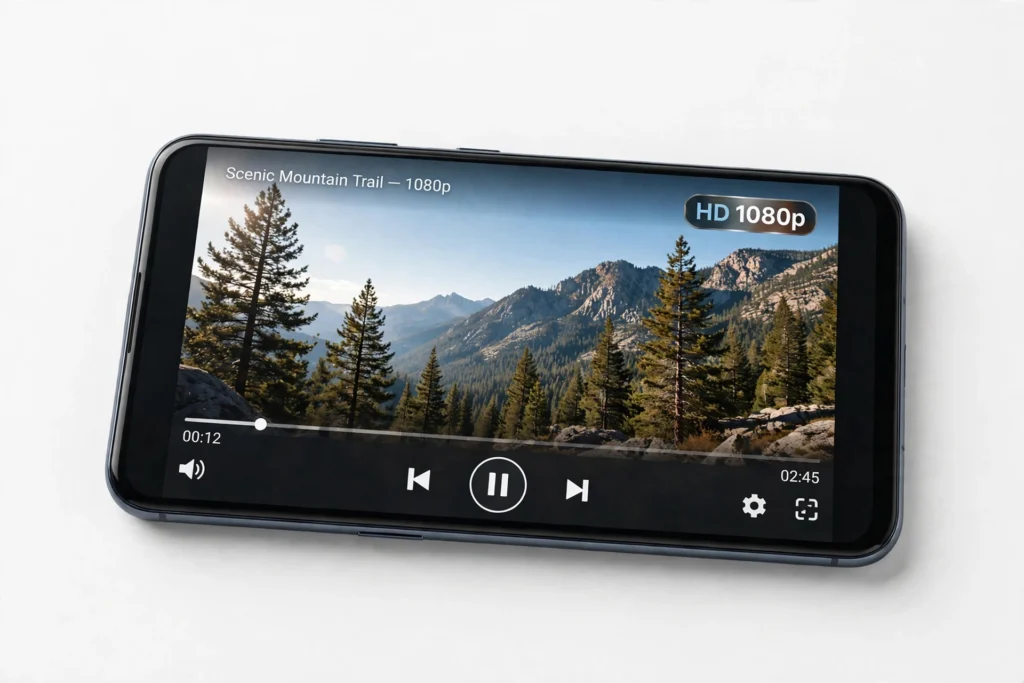
Getting a sharp, clear copy of a TikTok video comes down to one thing: choosing the 1080p download when the original video actually supports it. This guide walks through the 1080p workflow only — how to confirm the source can deliver 1080p, how to select that quality in the downloader, and how to verify the finished file is truly 1920 by 1080.
Start from SSS TikTok Downloader in your browser. The 1080p option appears there when a matching high-resolution file is available for the video you pasted.
Before You Download: Check the Source Quality
A downloader cannot create detail that was never uploaded. Before you start, play the TikTok video at full screen and look for sharp edges, readable text and clean motion. If the video already looks soft or blurry in TikTok, a 1080p download will not sharpen it. If it looks crisp on a large screen, the original is a good candidate for a 1080p save.
Step-by-Step: Download in 1080p
- Open the video and copy its link. Play the video once to confirm it is public and looks sharp, then use Share and Copy link.
- Open the tool and paste the link. Open SSS TikTok Downloader, paste the copied link, and wait for the available download options to load. Do not rush this step: the quality options appear only after the video is recognised.
- Choose the 1080p video option. Look for the option labelled 1080p or HD 1080p, and select that file specifically. Do not choose a smaller or preview file if your goal is full 1080p quality.
- Download and wait for the file to finish. A 1080p file is larger, so it takes longer than a low-resolution preview. Keep the tab open until the browser shows the download as complete.
- Verify the resolution. Open the saved file, check its details or properties, and confirm the width is 1920 pixels and the height is 1080 pixels. If the numbers are lower, you saved a different option and should repeat the steps, choosing 1080p again.
- Play it on a larger screen. Watch the file on a tablet, laptop or TV screen. Text should stay readable and edges should stay clean. If it does, your 1080p download succeeded.
Why a 1080p Download Sometimes Is Not Offered
- The original was uploaded at a lower resolution. Some creators upload at 720p or lower, so no 1080p file exists for that video.
- The video was heavily compressed. Re-uploads and screen recordings can lose detail before you ever download them.
- Your connection interrupted the option list. Refresh the downloader page, paste the link again, and wait for the full option list to load.
Storing a 1080p File
Save 1080p files in a folder you can find again, and keep the file name clear, for example with the topic and date. If you plan to move the file to your phone gallery, see how to save a downloaded TikTok video to iPhone Photos and Android Gallery. For guidance on choosing a format for a different purpose, see HD vs SD: which TikTok download format should you choose, but for a 1080p result, always select the 1080p option described above.
Safety Note
Only download public videos in 1080p for personal viewing or backup. Only reuse, edit or repost a video if it is your own or you have the creator’s permission. Higher quality does not change the creator’s rights: a sharp copy is still their work. See safe use of TikTok downloads and creator rights.
Frequently Asked Questions
How do I know the file is really 1080p?
Check the file details after downloading. A true 1080p file shows 1920 by 1080 pixels. A file with smaller numbers is not 1080p, even if it played smoothly.
Does 1080p always look better?
It looks better when the original was recorded and uploaded in high quality. If the original was low quality, the 1080p file can only preserve what was already there, not add new detail.
Why is my 1080p download slow?
1080p files carry more picture data, so they take longer to download, especially on a slow or busy connection. Let the download finish before you play or move the file.
Can I download in 1080p on a phone?
Yes, if the video supports it and your phone has enough free storage. The steps are the same: copy the link, paste it in the browser tool, choose 1080p, and save the completed file.

Content team at SSS-Tik. Sharing helpful guides, tips and updates for a better video experience.