
How to Download a TikTok Live Video / Livestream Replay After It Ends
 By SSS-TIK•
•
3 min read
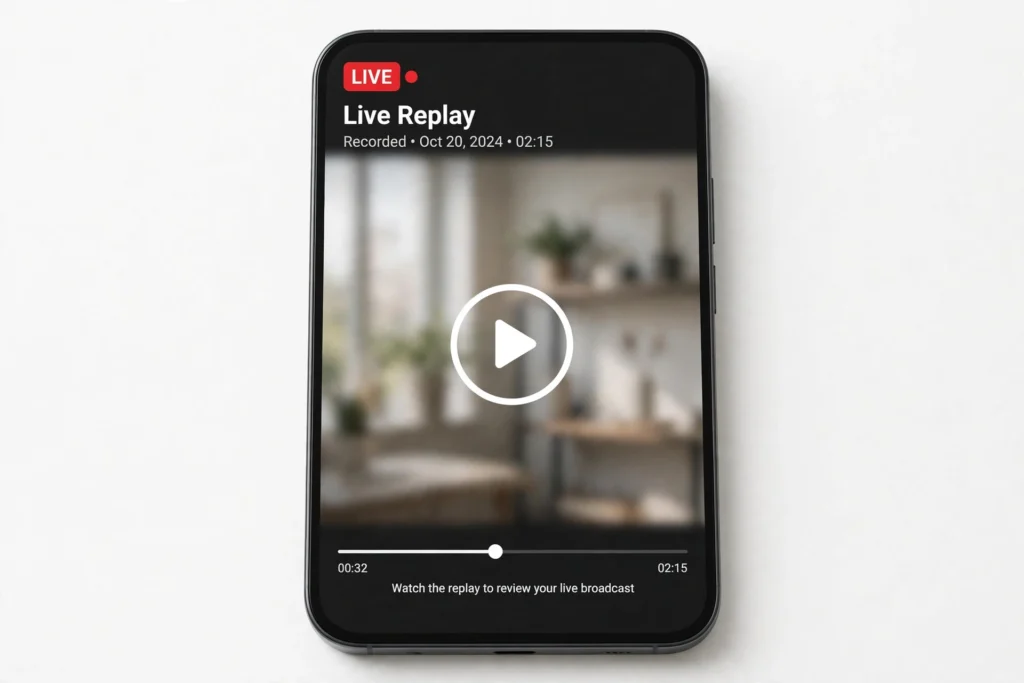
A TikTok Live disappears when the broadcast ends, unless the creator saves it. If you missed the live moment, or you hosted it and want to keep it, you need to act quickly and know where a livestream replay can be found. This guide explains the honest options, using SSS TikTok Downloader for a saved replay link when one is available.
Can You Download a TikTok Live After It Ends?
It depends on what the creator did after the stream. If the creator saved the live as a regular video, or shared a replay link, you can download that saved video like any other TikTok video. If no replay was saved, there is no public video to download, and you should not use tools that claim to recover a stream that was never published.
Steps: Download a Livestream Replay
- Check the creator’s profile first. Look for a saved live video, a replay post, or a video that says it is from a recent live session.
- If you hosted the live yourself, check your own profile and drafts. TikTok may let the host download or repost the replay from their own account.
- When you find a public replay video, tap Share, then Copy link.
- Open SSS TikTok Downloader, paste the link, and download the TikTok Live replay for personal viewing.
- Save the file with the date and creator name, and test playback before you rely on it for editing or archiving.
What If There Is No Replay?
Ask the creator politely whether they plan to post highlights, and check their other platforms for a clip they chose to share. Do not use screen-recording tricks on a private stream, and do not download a live that was shared only with a limited audience. For your own videos, see How to Download Your Own TikTok Video and How to Save a TikTok Draft Video to Camera Roll.
Safety Note
Only download public videos and replays, and only reuse a live clip if it is your own or you have the creator’s permission. Live streams can include other people, so be extra careful before sharing any part of a replay.
FAQ
Can I download a TikTok Live while it is still live? No reliable public download method exists for a stream in progress. Wait for the creator to save or post a replay.
Why can’t I find a replay I watched yesterday? The creator may not have saved it, may have deleted it, or may have set it to private.
Is a replay the same quality as the live? Usually it is close, but a saved replay may be compressed. Download the best version the creator posts.

Content team at SSS-Tik. Sharing helpful guides, tips and updates for a better video experience.