
How to Download a TikTok Slideshow and Photo Post
 By SSS-TIK•
•
2 min read
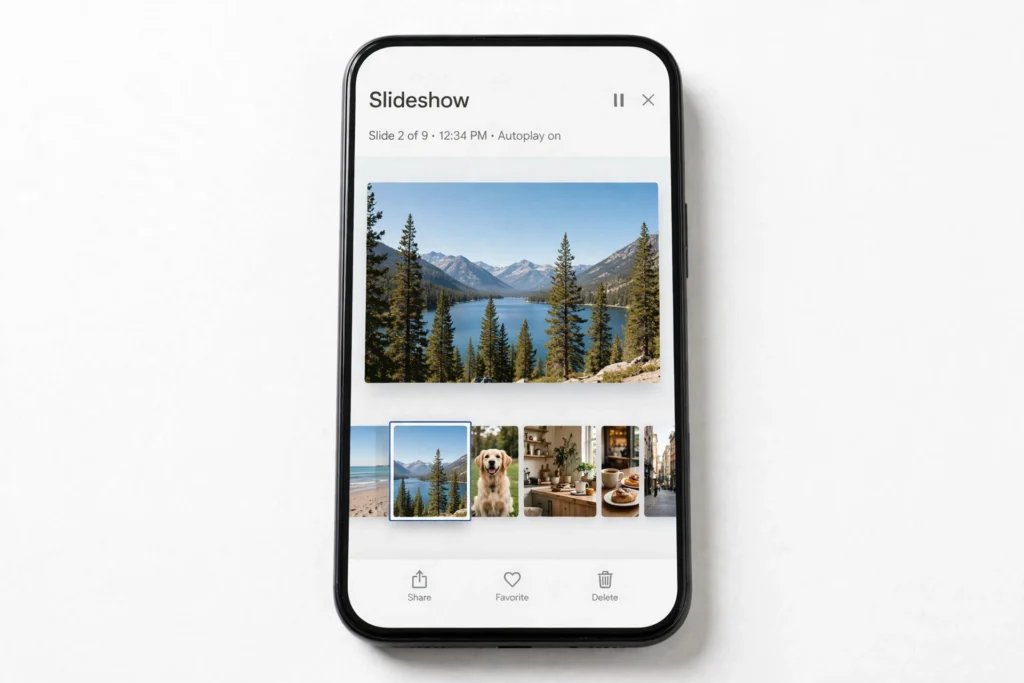
Some TikTok posts are not videos at all: they are slideshows and photo posts that swipe through several images. This guide shows how to download a TikTok slideshow and photo post with the free SSS TikTok Downloader, so you can keep the photos for personal use.
Steps to Download a Slideshow or Photo Post
- Open the slideshow or photo post in TikTok.
- Tap Share, then Copy link.
- Open the SSS TikTok Downloader and paste the link into the download box.
- Start the download and look for the photo or slideshow download options.
- Save each photo you want, then check the images in your gallery before you close the page.
What You Get
Depending on the post, you may get individual photos, a slideshow video, or both. If music was added to the slideshow, you may also want the audio: see How to Download TikTok Video Audio as MP3. If a post will not download, check Why a Private, Deleted or Error TikTok Video Cannot Be Downloaded, and How to Fix Common Errors.
Respect the creator: Photos belong to the person who posted them. Keep them for personal use and do not repost, edit out credit, or use them commercially without permission. See Safe Use of TikTok Downloads: Creator Rights and What You Should Not Repost.
FAQ
Why do I only get one photo? Some download results show the first image first. Look for a download-all or individual photo option, and repeat the download if a photo is missing.
Can I download a slideshow as a video? Often yes, if TikTok or the tool offers a slideshow video version. If you only need still images, save the photos instead for the sharpest result.
Where are the photos saved? On a phone, check Photos or Gallery after downloading. See How to Save a Downloaded TikTok Video to iPhone Photos and Android Gallery. Related: How to Download a TikTok Video Without Watermark.

Content team at SSS-Tik. Sharing helpful guides, tips and updates for a better video experience.