
How to Save Downloaded TikTok Videos to Google Photos
 By SSS-TIK•
•
5 min read
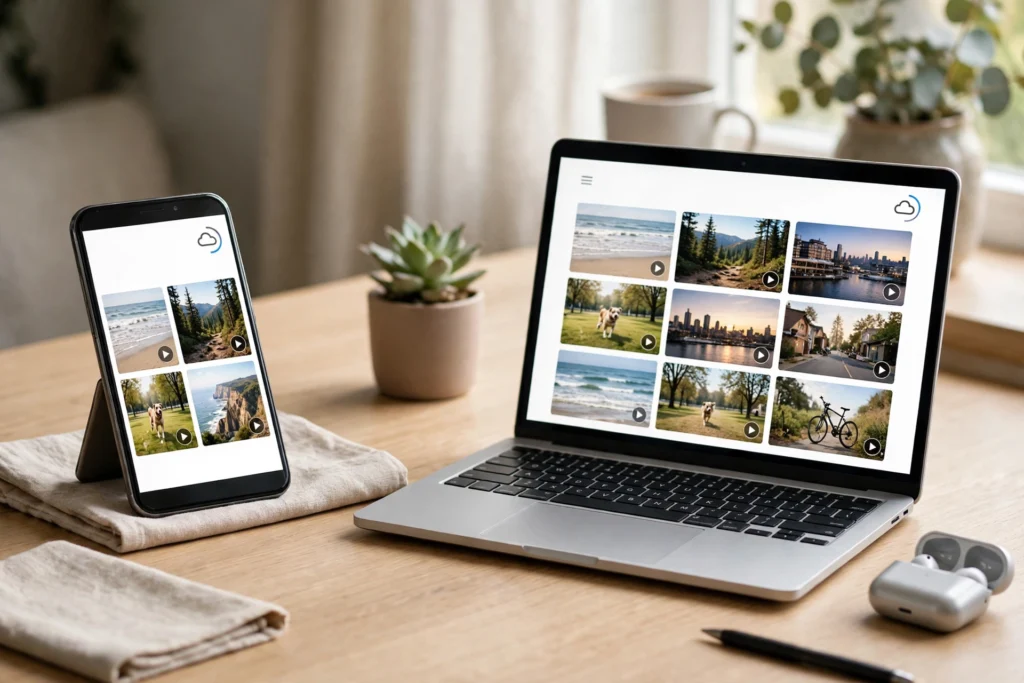
Downloading a TikTok video is only half the job. If you leave it in your Downloads folder, it can be lost when you change phones, clear storage, or reset your device. Google Photos is the right place to keep those videos, because it backs them up to your Google account, not just to one phone. This guide explains how to save downloaded TikTok videos to Google Photos, turn on backup, and back up selected videos by hand. It is about backup, not just Google Drive.
First, understand the difference. Google Drive stores files in folders, like a filing cabinet. Google Photos stores photos and videos in a library, organised by date, and it can play them, search them and share them easily. For videos you want to keep and watch again, Photos is the better home.
Turn On Backup in Google Photos
Open the Google Photos app on your Android phone or iPhone. Tap your profile picture at the top right, then tap Photos settings and then Backup. Turn Backup on. Choose the Google account you want to use, and choose a backup quality. Storage saver compresses videos slightly and uses less space, while Original quality keeps the full file and uses more space. For most TikTok videos, Storage saver is enough, because the original video was already compressed by TikTok.
Next, check which folders are backed up. On Android, go to Photos settings > Backup > Back up device folders. Turn on backup for the Download folder and the TikTok folder, if they are listed. This is the step most people miss. If you only back up the Camera folder, a TikTok video sitting in Downloads will never reach Google Photos, even though backup is on. On iPhone, Photos backs up your camera roll, so save the video to Photos first, as explained below.
Back Up Selected Videos Manually
If you do not want to back up every video on your phone, back up only the ones you choose. Download the TikTok video first with SSS TikTok Downloader, then open Google Photos. Find the video in your library or in the Library > Photos on device section, open it, and tap Back up now if you see that option. On Android, you can also long-press a video in the device folders view and tap Back up.
Another way is to move the file into a backed-up folder. Use your file manager to move the MP4 from Download into the DCIM > Camera folder, or into another folder you have already turned on for backup. Google Photos will then pick it up in the next backup run. Wait for the small cloud icon on the video to change to a backed-up state, and check that the video plays in Photos before you delete the original.
Google Photos Storage and Trash Rules
Backed-up videos count towards your Google account storage, which is shared across Google Photos, Google Drive and Gmail. The free limit is 15 GB in total. A short TikTok video is usually only a few megabytes, so hundreds of them will fit, but a large collection of long videos can fill the allowance. Check your usage in Photos settings > Backup > Manage storage, and delete videos you no longer need, or buy more storage if you plan to keep everything.
Trash rules are also important. If you delete a video in Google Photos, it goes to Trash for 60 days, and then it is deleted permanently. So treat a backup as protection against losing a phone, not as permission to delete the only copy of a video you care about. Keep the videos you truly want in Photos, and let the rest go. For help with finding files before you back them up, see our guide on how to save a downloaded TikTok video to your phone’s gallery or Downloads folder and our guide to saving downloaded TikTok videos to Dropbox or OneDrive.
Safety note: Only back up and share videos you have the right to keep and reuse. Backing up a video does not give you the right to repost it as your own, and you should still credit the creator if you share it.
FAQ
Does Google Photos back up my TikTok videos automatically?
Only if backup is on and the folder holding the video is selected for backup. On Android, turn on backup for the Download and TikTok folders, or the videos will stay on your phone only.
Is Google Photos the same as Google Drive?
No. Drive stores files in folders, while Photos stores videos in a searchable library and backs up your camera roll. A video in Drive does not appear in your Photos library unless you save it there.
Do backed-up TikTok videos use my Google storage?
Yes. Backed-up photos and videos count towards the 15 GB shared by Photos, Drive and Gmail. Check your usage in Photos settings before you back up a large collection.

Content team at SSS-Tik. Sharing helpful guides, tips and updates for a better video experience.