
How to Download a TikTok Video Without Watermark on Android
 By SSS-TIK•
•
2 min read
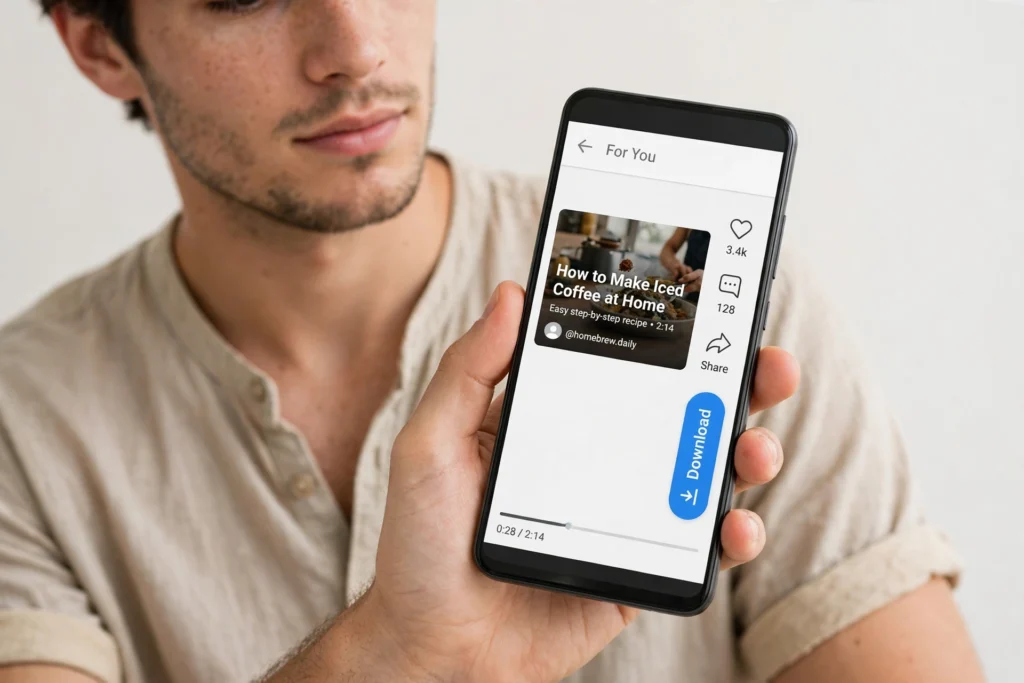
Android makes it easy to download a TikTok video without a watermark on Android, straight from your mobile browser. This guide uses the free tool at sss-tik.com and needs no extra app.
Safety note: Only download public videos, and only reuse your own videos or videos you have permission to reuse. Do not copy text or images from other sites, and do not use TikTok logos or other creators’ videos or images.
Step-by-Step: Download on Android
- Open TikTok and find the public video you want to save.
- Tap Share, then tap Copy link.
- Open Chrome or your usual browser and go to sss-tik.com.
- Paste the link into the download box and tap the download button.
- Choose the watermark-free video option, if offered.
- Tap Download and wait for the file to finish.
- Open your Gallery or Files app to check the saved video and play it with sound.
If the Download Does Not Appear
Check your Downloads folder in Files, and make sure your browser has storage permission. If the video is private or deleted, it cannot be downloaded. The iPhone steps are slightly different, so see How to Download a TikTok Video Without Watermark on iPhone if you also use an iPhone.
Tips for a Clean Save
Use a stable connection, avoid closing the browser while the file downloads, and keep the original link until you have checked the saved file. For help finding the saved clip later, see How to Save a Downloaded TikTok Video to iPhone Photos and Android Gallery.
FAQ
Do I need a TikTok downloader app on Android?
No. Copying the link and using the browser tool is enough for most public videos.
Where do Android downloads go?
Usually to Downloads in Files, and many Gallery apps also show the video under recent videos.
Why is there no download option?
The video may be private, deleted, or restricted by its creator. Try another public video to check whether the tool is working.
Can I share the downloaded video?
Only if it is your own video or you have the creator’s permission. Otherwise keep it for personal viewing.

Content team at SSS-Tik. Sharing helpful guides, tips and updates for a better video experience.