
How to Download a TikTok Video on a Chromebook
 By SSS-TIK•
•
2 min read
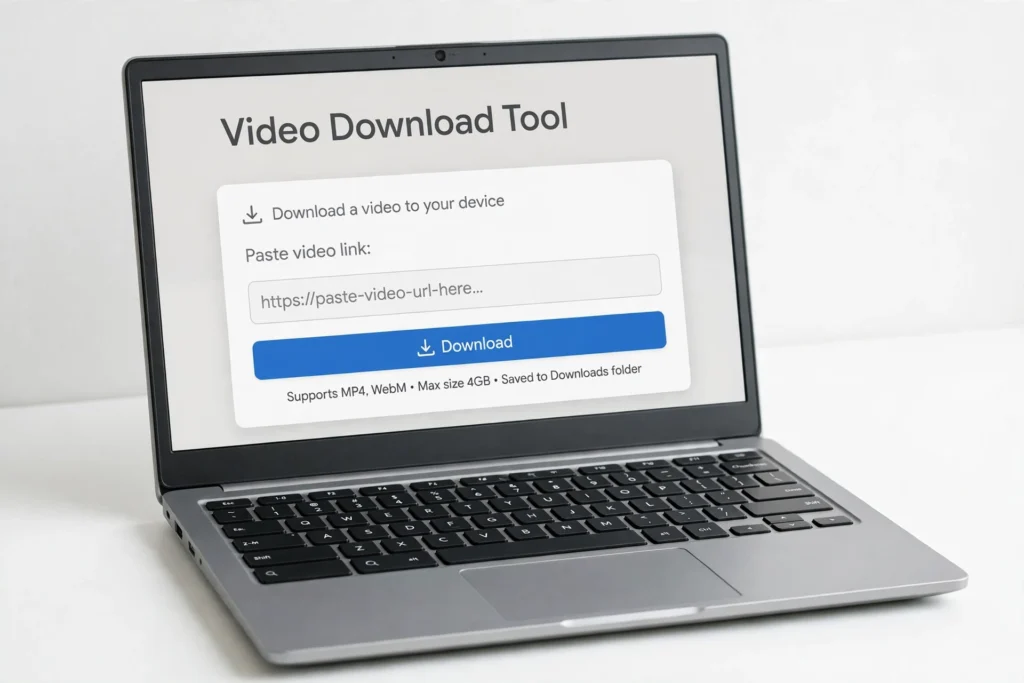
A Chromebook is built for the browser, so downloading a TikTok video on one should be simple, and it is, as long as you use a web-based tool. You do not need to install heavy software or a Play Store app. This guide shows the clean browser method, using SSS TikTok Downloader on ChromeOS.
Why a Chromebook Works Well for Downloads
Chromebooks run Chrome as their main workspace, files go straight to the Downloads folder, and you can move them to Google Drive in a few clicks. The main limits are storage on smaller models and the need for a stable internet connection while you download.
Steps: Download a TikTok Video on a Chromebook
- Open TikTok in Chrome on your Chromebook, find a public video, and tap Share, then Copy link.
- Open a new tab and go to SSS TikTok Downloader, then paste the link into the download box.
- Choose the download option and save the TikTok video to your Chromebook Downloads folder.
- Open the Files app, find the video in Downloads, and play it to check the quality and sound.
- Move or copy the file to a folder, USB drive, or Google Drive if you want to keep it long term.
Chromebook Tips and Fixes
If a download does not start, check that Chrome is allowed to download files, try a new tab, and make sure you have free space. If the video plays but has no sound, check the Chromebook volume and try another media player. For desktop steps in general, see How to Download a TikTok Video on Desktop PC (Windows and Mac) and How to Find Downloaded TikTok Videos on Phone or PC.
Safety Note
Only download public videos, and only reuse a clip if it is your own or you have the creator’s permission. On a shared school or work Chromebook, keep personal downloads in your own account and sign out when you finish.
FAQ
Do I need to install a TikTok app on a Chromebook? No. The browser method works without an app.
Where do Chromebook downloads go? By default, to the Downloads folder in the Files app, unless you choose another location.
Can I download on a Chromebook without an account? Yes, you do not need a TikTok account to download a public video link through a web downloader.

Content team at SSS-Tik. Sharing helpful guides, tips and updates for a better video experience.