
How to Download a TikTok Video With a Download Manager App
 By SSS-TIK•
•
4 min read
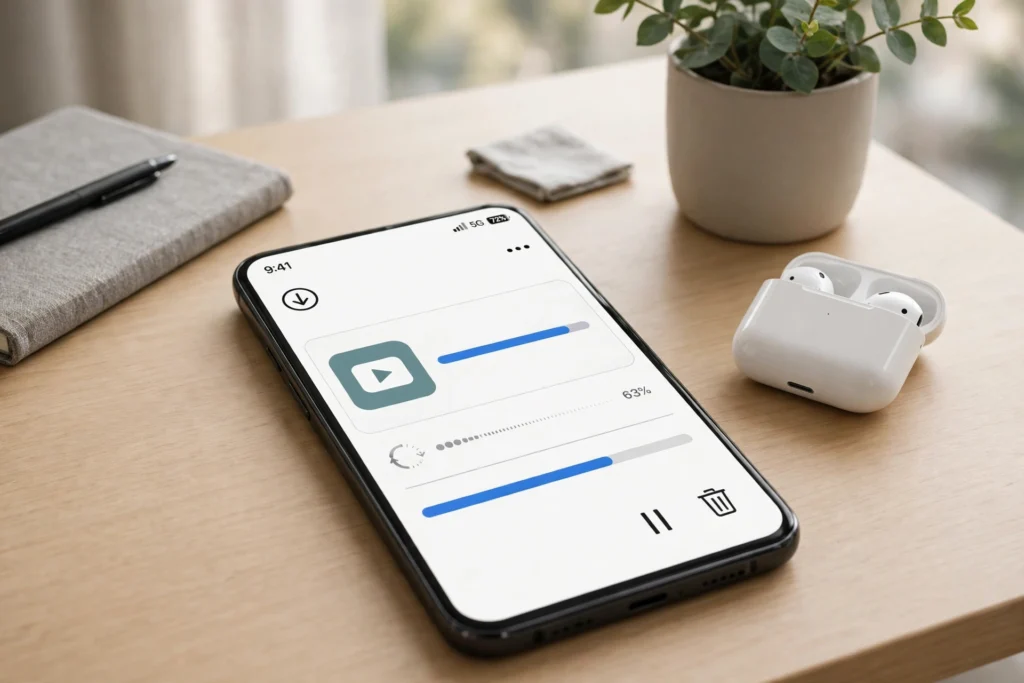
Most people download a TikTok video with the in-app Save button or a browser downloader, and that is enough for a short clip. But if your connection is slow, the video is long, or a download keeps stopping halfway, a download manager app can help. This guide explains how a generic download manager works with a TikTok video link, how to resume a large download, and how to stay safe while you use one.
What a Download Manager Does
A download manager is an app that takes over downloads from your browser. Instead of the browser saving the file in one go, the manager splits the download into parts, downloads them at the same time, and joins them together at the end. That can make a large download faster on a good connection, and more reliable on a weak one. If the connection drops, the manager can resume the download from where it stopped, instead of starting again from zero.
To use one, first get the video link. In TikTok, tap Share, then Copy link. Then get the direct video file link through a browser downloader, such as SSS TikTok Downloader, and copy that download link. Open your download manager, paste the link, and start the download. The exact buttons differ from one manager to another, but the pattern is the same: paste a link, choose a folder, and start.
Resuming a Large Download
Resuming is the main reason to use a manager for a long video. If a download stops, open the manager and look for a Resume or Restart button next to the unfinished file. Tap Resume, not Start, so the manager continues from the part it already saved. Do not delete the unfinished file, because the manager needs those parts to continue. If Resume is greyed out, the server may not allow resuming for that link, so generate a fresh download link and try again.
Keep the phone on Wi-Fi for large files, keep the manager open until the download finishes, and check that you have enough free storage first. A download that stops at 95 percent is often a storage problem, not a connection problem. When the file is complete, play it once in your gallery or file manager before you delete the original link or clear the manager’s history.
Safety Warning: Choose a Well-Reviewed Manager
Download managers can see the links you paste and the files you save, so choose carefully. Only use a well-reviewed manager from the Google Play Store or Apple App Store, with a large number of installs, recent updates, and reviews that mention real use over months, not just five-star praise posted on the same day. Read the permissions it asks for. A manager needs storage access to save files, but it does not need your contacts, your messages, or access to your TikTok account.
Never enter your TikTok password into a download manager, and never log in to TikTok inside a manager app to download a video. A public TikTok video does not need your login, and any app that asks for it is asking for more than it needs. The same rule applies to any tool that asks for your TikTok password, your email password, or a code from your phone. If a manager shows aggressive pop-up ads, asks for strange permissions, or promises to unlock private videos, delete it and use your browser instead. For a simpler route, see our guide on saving a downloaded TikTok video to your phone’s gallery or Downloads folder and our guide to downloading a TikTok video on an old Android phone.
Safety note: Only download videos for personal, offline viewing, or reuse them with the creator’s permission and clear credit. A download manager does not give you the right to repost someone else’s video as your own.
FAQ
Do I need a download manager for TikTok videos?
No, not for most short videos. A manager is useful mainly for long videos, slow connections, and downloads that keep stopping and need to be resumed.
How do I resume a download that stopped?
Open the manager, find the unfinished file, and tap Resume. Do not delete the partial file, and do not start a new download of the same link until you have tried resuming.
Is it safe to paste a TikTok link into a download manager?
It can be safe if the manager is well reviewed, from an official app store, and does not ask for your TikTok password. Avoid managers with strange permissions or aggressive ads.
Why should I never enter my TikTok password into a download manager?
Because a public video does not need your login. An app that asks for your password could misuse your account, so only ever sign in inside the official TikTok app.

Content team at SSS-Tik. Sharing helpful guides, tips and updates for a better video experience.