
How to Download Multiple TikTok Videos at Once (Bulk Download, Honestly Explained)
 By SSS-TIK•
•
3 min read
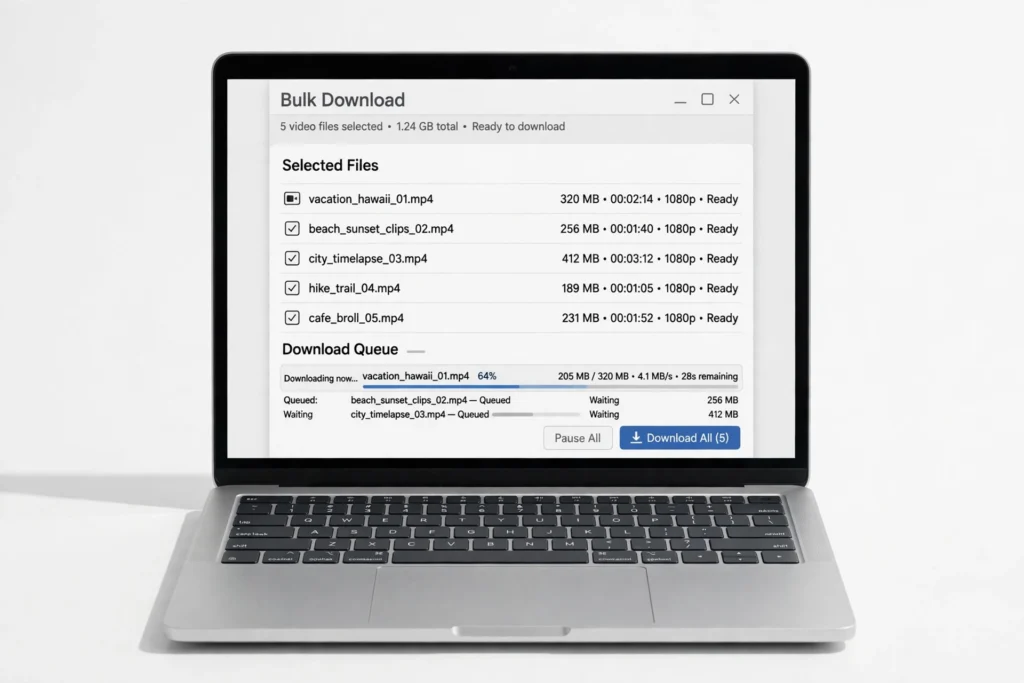
Searching for a single bulk download button in TikTok is frustrating, because TikTok does not offer one. The honest answer is that you cannot download a whole account or playlist in one tap with a safe, official tool, but you can download multiple TikTok videos quickly, one after another, with a clear routine. This guide explains what is possible, what to avoid, and how to do it efficiently with SSS TikTok Downloader.
What Bulk Download Really Means
Bulk download usually means saving many videos in a row, not merging them into one file. Some third-party apps promise one-click downloads of every video from a creator, but those apps often ask for your TikTok login, show aggressive ads, or risk your account. A safer workflow is to copy links one by one and download them in a steady batch, checking each file as you go.
Steps: Download Multiple TikTok Videos Efficiently
- Make a short list first. Open TikTok, save or note the public videos you want, and keep the list in order so you do not repeat yourself.
- For each video, tap Share, then Copy link, and keep the links in a notes app until you are ready to download.
- Open SSS TikTok Downloader, paste the first link, download the video, and repeat the same steps for the next link.
- After every few downloads, check the files, rename them clearly, and move them into a folder for that creator or topic.
- When the batch is finished, play a few files to confirm they downloaded completely before you clear your link list.
How to Stay Organized
Use one folder per project, name files with the creator and a short description, and avoid downloading the same video twice. If you plan to reuse clips later, also read How to Organize Downloaded TikTok Videos by Creator or Topic and How to Save Downloaded TikTok Videos to SD Card. A tidy folder saves far more time than any dubious bulk-download app.
Safety Note
Only download public videos, and only reuse a clip if it is your own or you have the creator’s permission. Never enter your TikTok password into a downloader, and be cautious of tools that promise to download private videos or entire accounts at once.
FAQ
Can I download all videos from one TikTok account at once? Not safely with an official method. Downloading them one by one, in a batch routine, is the reliable approach.
Is there a limit to how many videos I can download? There is no fixed number in this guide, but downloading in small batches helps you check quality and avoid mistakes.
Will bulk downloading get my account banned? Using an external downloader without logging in is low-risk for viewing, but avoid automated tools that log into your account or scrape large amounts of content.

Content team at SSS-Tik. Sharing helpful guides, tips and updates for a better video experience.